From the blog
Field notes on archive recovery
Wayback restores, ?p= / ?id= capture, cleanup, 301s. Written from jobs, not from a content calendar.
 Featured
Why Wayback snapshots vanish - and what a usable WordPress restore actually takes
The Wayback Machine is not a backup. Gaps, dropped assets, missing ?p= / ?id= pages. Why most “restores” are HTML dumps - and what agencies should check before paying.
 Security
"This site may be hacked" warning in Google: what it means and how to remove it.
Google flagged the site. Here is what the warning means, how to clean the injection, and how to request a review. Traffic after the flag is not a promise.
 Technical Deep Dive
WooCommerce + PHP 8: the compatibility issues nobody warns you about.
You upgraded to PHP 8 and your WooCommerce checkout broke. Here are the specific functions that break, how to find them, and why your PHP compatibility checker might be missing them.
 Bug Fixes
WordPress 500, 502, and 503 errors: what each one means and how to fix it (without calling your host).
A 500 error is not the same as a 502 or a 503. They mean different things, have different causes, and need different fixes. Here is how to tell them apart and what to do about each one.
 Archive Recovery
How to recover an expired domain's original content: a step-by-step checklist.
You bought an expired domain and want the original topical content back. Here is the checklist I use to restore archived pages, preserve topic structure, and stay aligned with Google's expired-domain abuse policy. Rankings are never guaranteed.
 Bug Fixes
WordPress plugin conflict: how to find the culprit in 15 minutes (without breaking your site).
Something broke after you clicked Update All. But which plugin caused it? Here is a bisection method to diagnose plugin conflicts without taking the live site down.
 Maintenance
Upgrading WordPress to PHP 8: what breaks, how to test, and why you should not wait.
PHP 7.4 reached end of life in 2022. PHP 8.1 reached end of life in December 2025. If your WordPress site is still running old PHP, you are losing performance and security. Here is how to upgrade without breaking your site.
 Security
Your WordPress site is hacked. Here is exactly what to do in the first hour (and what not to do).
11,334 new vulnerabilities were found in the WordPress ecosystem in 2025 - a 42% increase. If your site is hacked, the first hour matters. Here is the step-by-step cleanup guide, in order of priority, and the mistakes that make it worse.
 Bug Fixes
WooCommerce checkout not working? Here are the 7 most common causes (and how to fix each).
Cart total showing $0? Payment gateway returning errors? Checkout page blank or redirecting? Every hour your checkout is broken costs sales. Here is how to diagnose and fix the 7 most common WooCommerce checkout errors.
 Maintenance
The WordPress backup strategy that actually works (3-2-1 rule + monthly restore tests)
An untested backup is not a backup. It is a file that makes you feel safe until you need it. Here is the 3-2-1 backup strategy adapted for WordPress, plus how to run restore tests without taking your site down.
 Bug Fixes
WordPress white screen and 'critical error' - what it actually means and how to fix it without losing your site
The white screen of death is not a mystery - it is a PHP fatal error, and the message is hidden from you. Here is how to find the real error, identify the culprit plugin or theme, and fix the root cause so it doesn't come back.
 Migration
How to migrate WordPress without 404ing old URLs (the steps most freelancers skip)
Copy files, copy database, update wp-config - and images break, links point at the old host, old URLs 404. The checklist: serialized search-replace, DNS cutover, 301 map. Rankings are not guaranteed.
 Maintenance
Why WordPress sites break (and the maintenance routine that prevents 90% of it)
WordPress doesn't break randomly - it breaks when updates are skipped, backups are untested, and nobody's watching. Here's the maintenance routine that prevents 90% of it, and why it's cheaper than emergency fixes.
 Technical Deep Dive
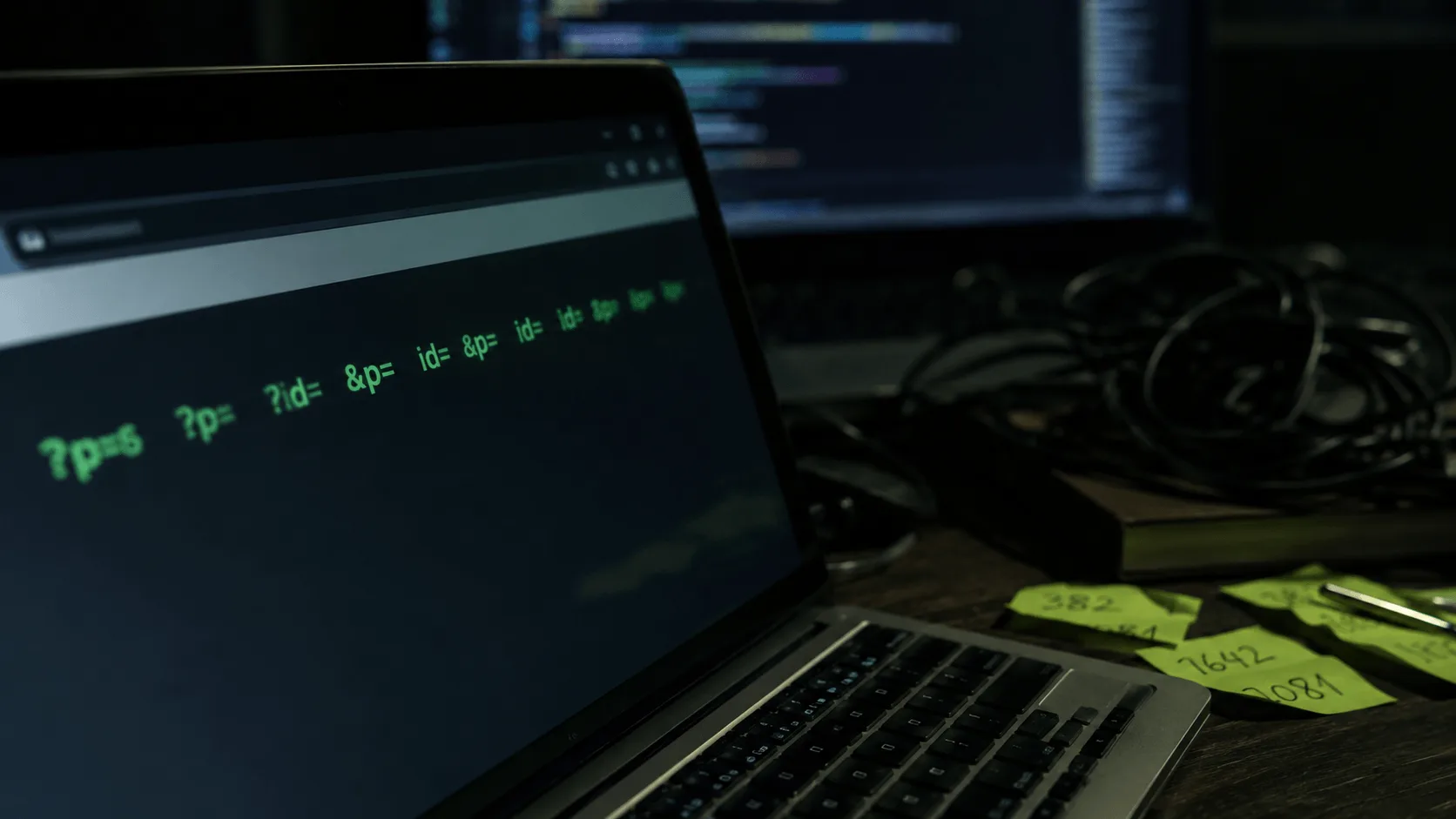
Restoring ?p=1 and ?id=42 URLs - why almost every tool gives up, and how I don't
Parametric URLs are the catalog. Generic scrapers pretend they do not exist. Why they vanish, and the capture that puts them back as WordPress pages.
 Workflow
AI-assisted cleanup: how I strip Wayback junk across thousands of pages
Manual cleanup of a 3,000-page restore takes a week and still misses footer junk. Agents do the mechanical pass. I review the flags. What that looks like on a real job.
Send a domain and a Wayback link.
For a batch, list them. Scope and price before any work starts.
Send a domain + Wayback link